A Path Exploration Guide
High-intent traffic is useless if your website is a maze. You don’t want to guess why users leave—you have to audit the path. If 1,000 users land on your service page and only 10 reach the “Thank You” screen, you don’t have a traffic problem; you have a path friction problem.
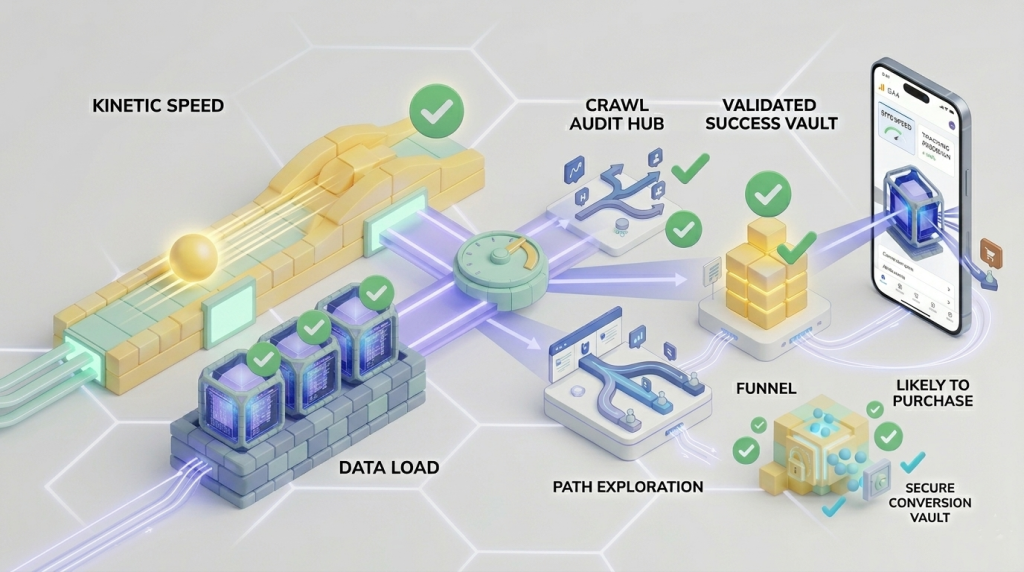
GA4’s Path Exploration tool is the digital equivalent of a high-speed camera in a wind tunnel. It shows exactly where the flow breaks.
Building a “Reverse Path” Exploration
Most marketers look at paths from the Start (Home Page > Services > Contact). This is a mistake. To find friction, you must work backward from the Conversion.
Workflow: Constructing the Reverse Funnel
- Navigate to Explore in GA4 and select the Path Exploration template.
- In the upper right corner of the path canvas, click Start Over.
- Under the Ending Point column header, select Event Name.
- Choose your primary conversion event (e.g.,
generate_leadorpurchase). - GA4 will now populate the “Previous Step” columns automatically, revealing the literal path users took immediately prior to converting.
Identifying the “Dead End” Pages
Once you see the successful paths, look for the “Drop-off” nodes. These are indicated by the red vertical bars at the end of a path step. If a specific landing page exhibits a 90% drop-off rate, that page is a conversion leak.
Common Causes of User Leakage:
- Technical Lag: The page is too heavy for mobile users or delays execution due to unoptimized tracking scripts (see our analysis on The Site Speed vs. Tracking Paradox).
- CTA Blindness: The primary conversion action or “Contact” trigger is hidden below a wall of unstructured text.
- Intent Mismatch: The keyword query that brought the user to the landing page does not match the primary headline above the fold.
Segmenting by Device and Speed
Friction is often technical, not conceptual. You must apply a dimension segment to your path exploration to isolate whether mobile users are dropping off faster than desktop users.
Workflow: Isolating Device Friction
- Drag the Device Category dimension into the Segment Comparisons box in the left-hand panel.
- Compare the Mobile path flow side-by-side against the Desktop path flow.
- If the mobile path ends abruptly at the “Form Fill” step while desktop continues to convert, your form layout is likely broken, non-responsive, or failing validation on smaller viewports.
The Result: A Frictionless Funnel
When you audit the user path systematically, you stop redesigning websites based on subjective opinions and start optimizing based on actual user interaction data. This is the structural difference between a website that looks good and a website that converts.